ISP Edge Routing
Use MikroTik for BGP, OSPF, static routing, upstream connectivity, customer edge, VLANs and service-provider routing policy.
- BGP and OSPF
- Public IP routing
- VLAN and interface design
- Failover planning


MikroTik is one of the most important vendor ecosystems for ISPs, WISPs, enterprises and managed networks. With RouterOS, Ethernet routers, switches, wireless systems, LTE/5G products, 60GHz links and network tools, MikroTik gives operators a flexible and cost-effective platform for routing, firewalling, bandwidth control, access, VPN, hotspot and network infrastructure.
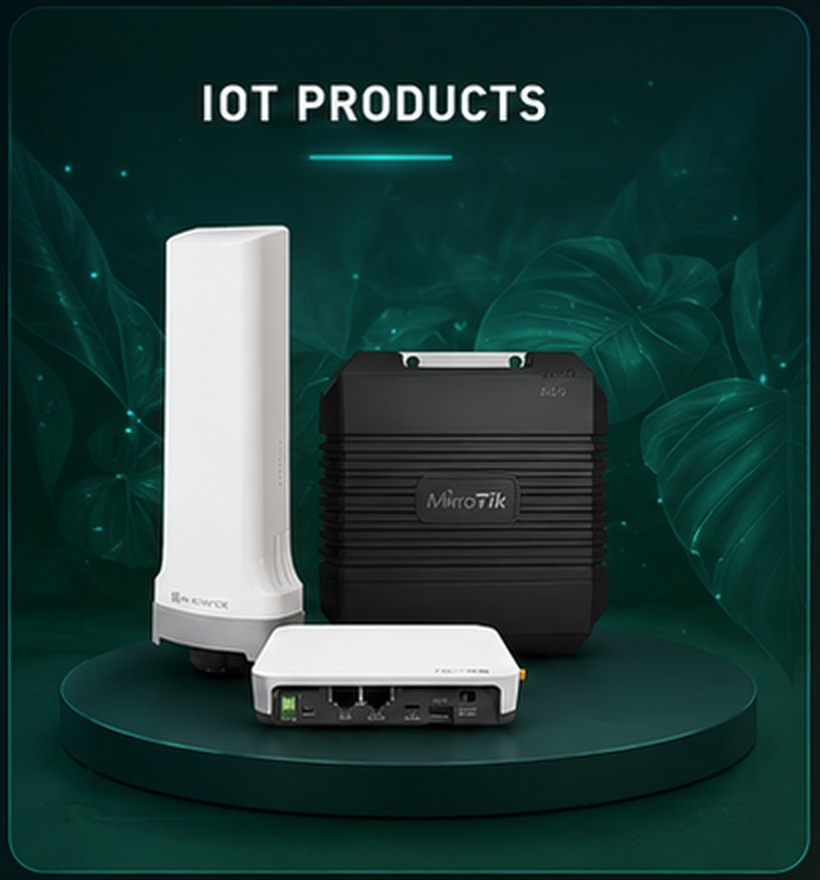


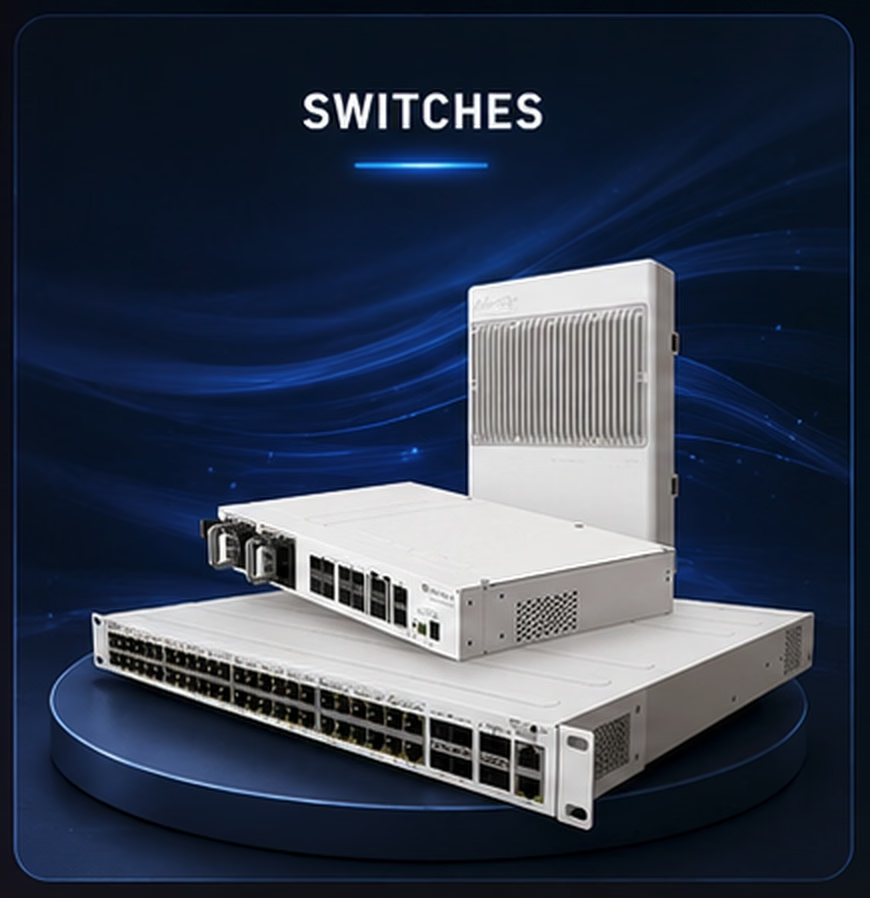

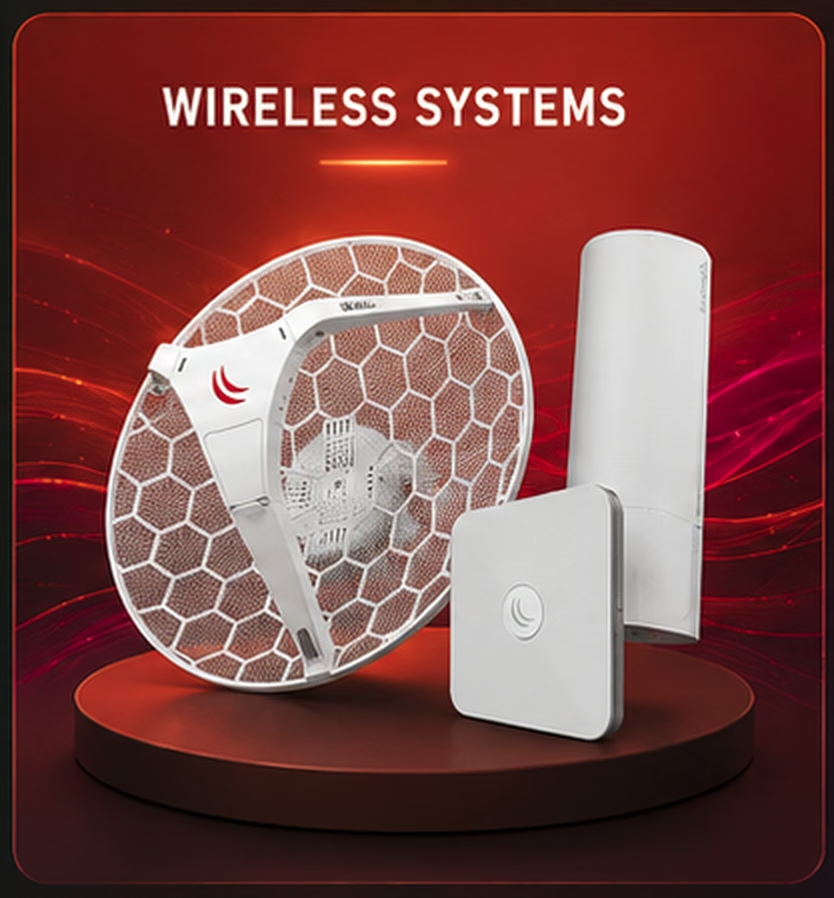

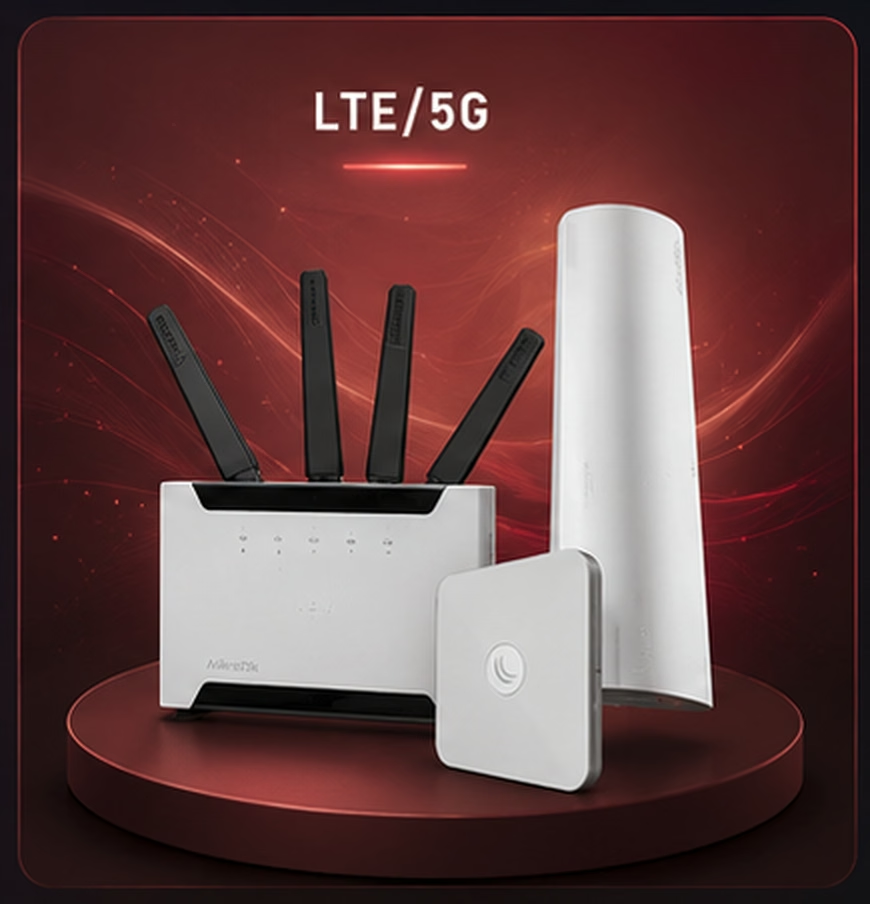

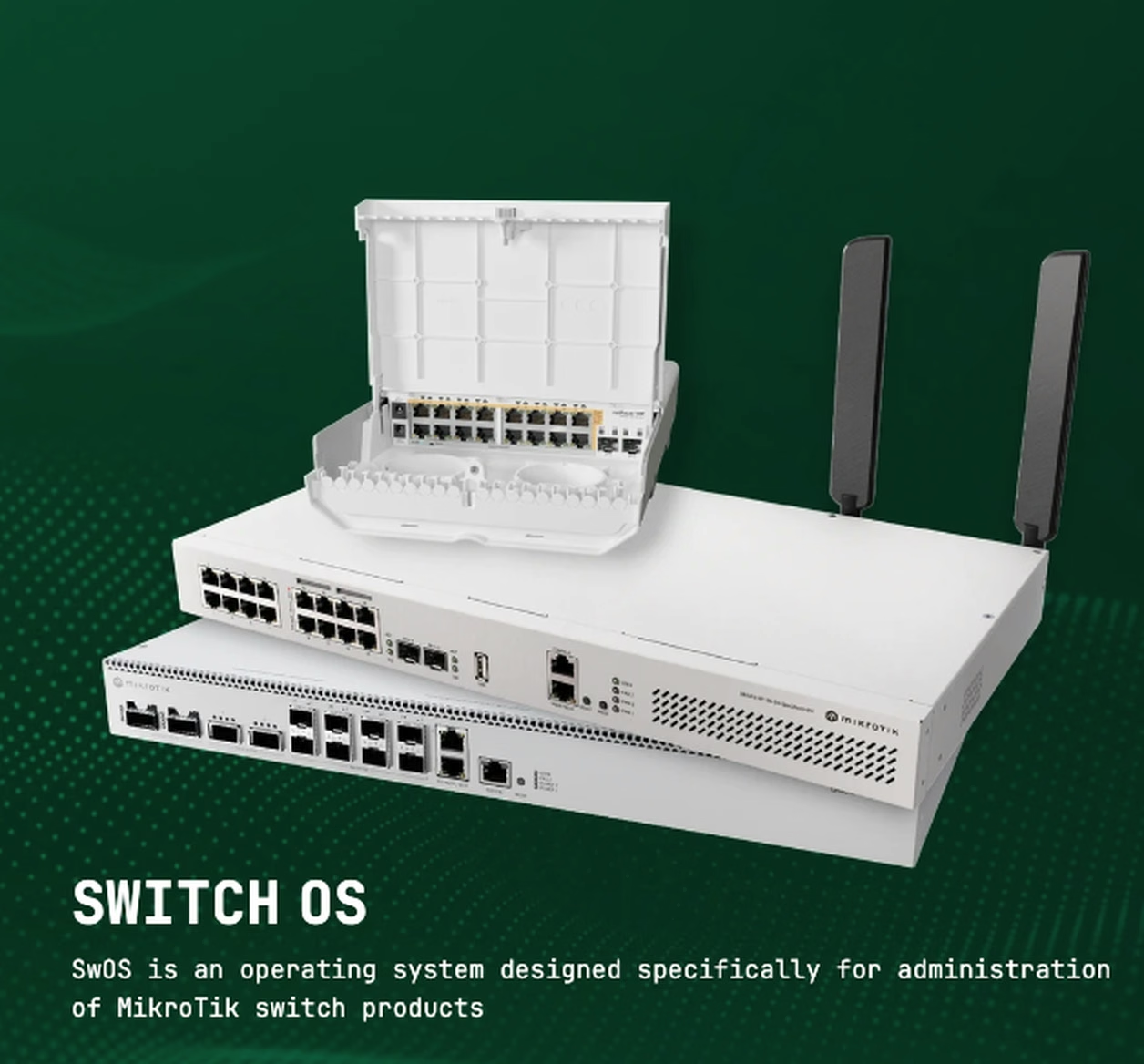
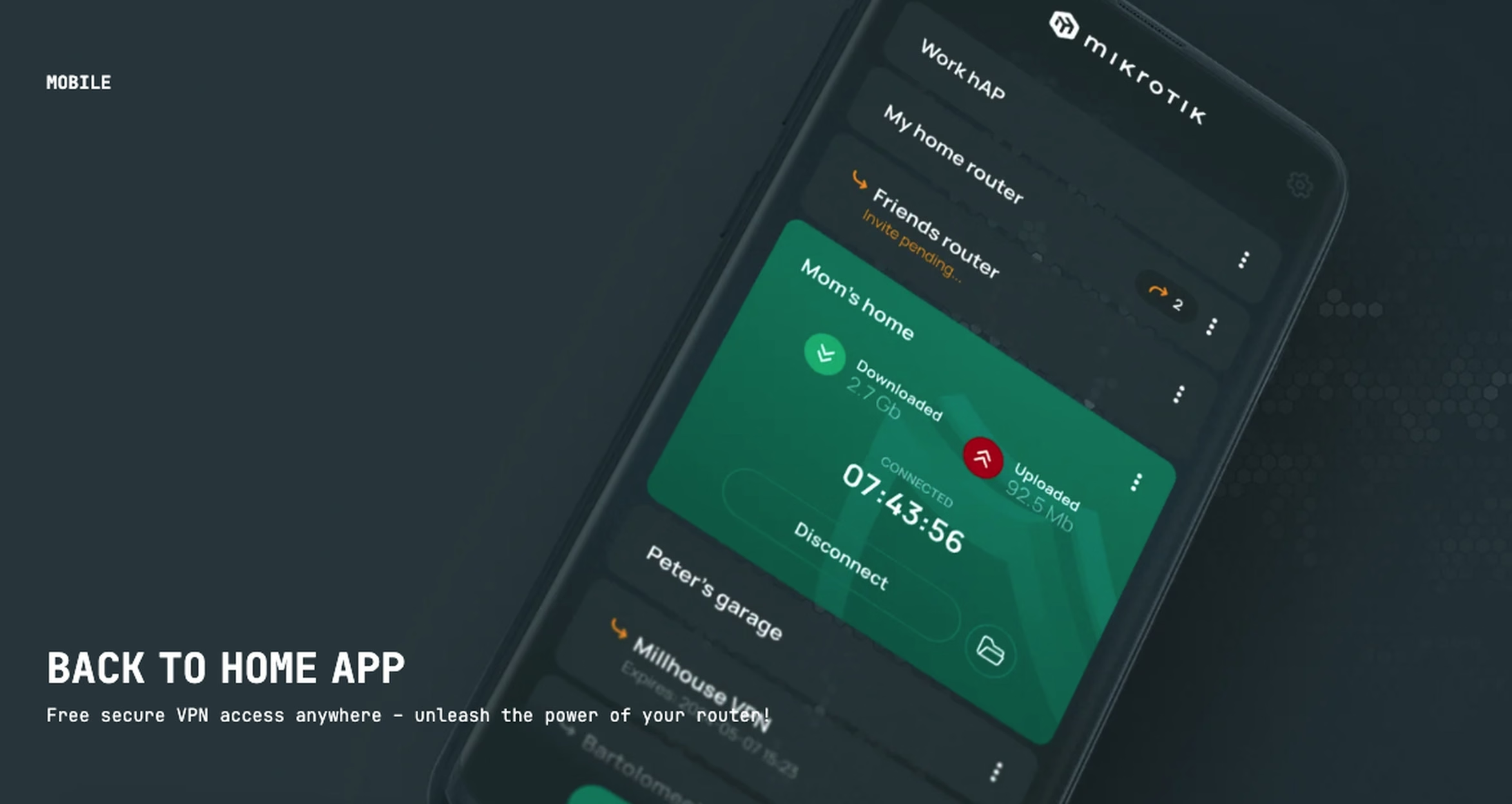

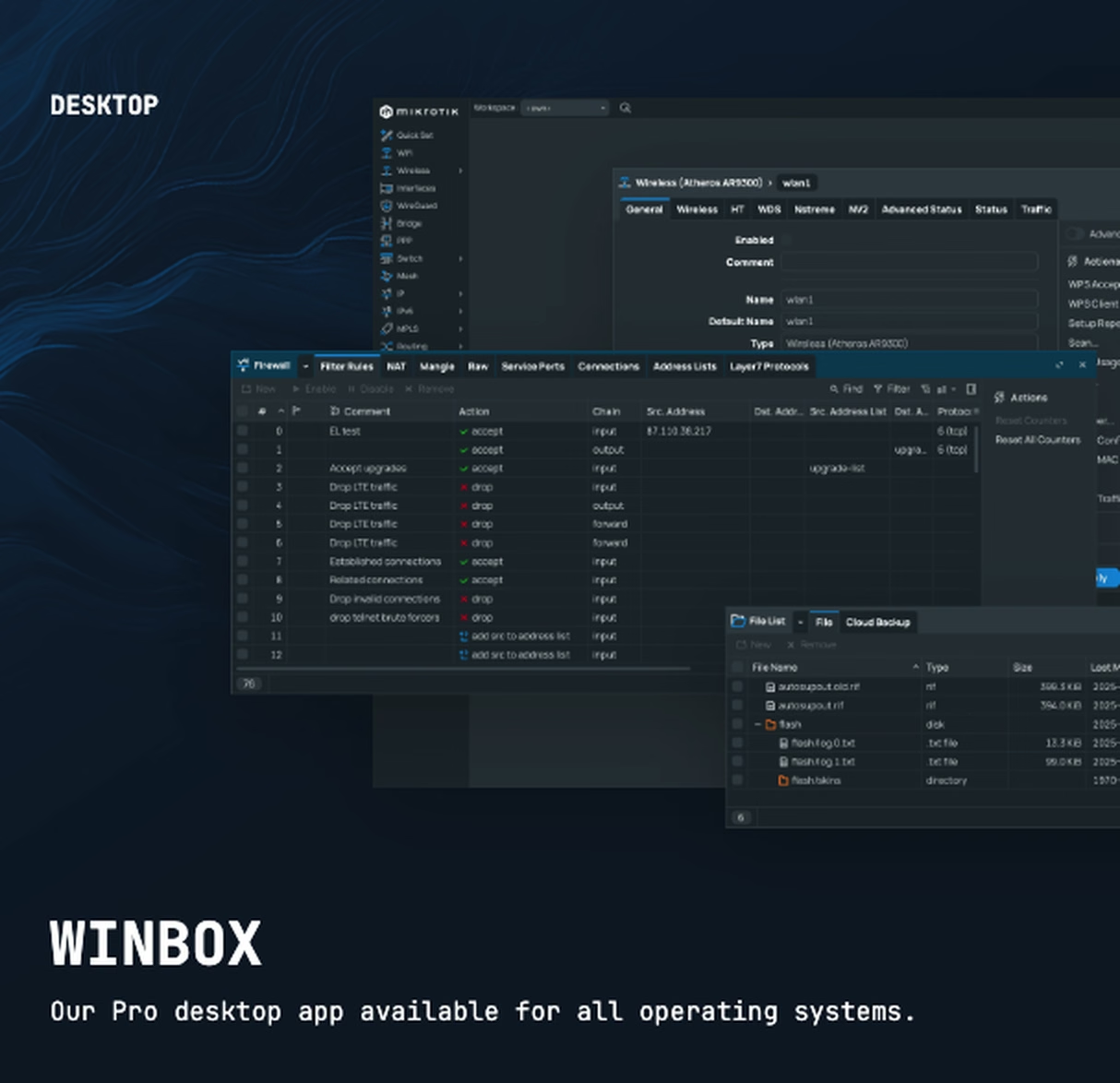
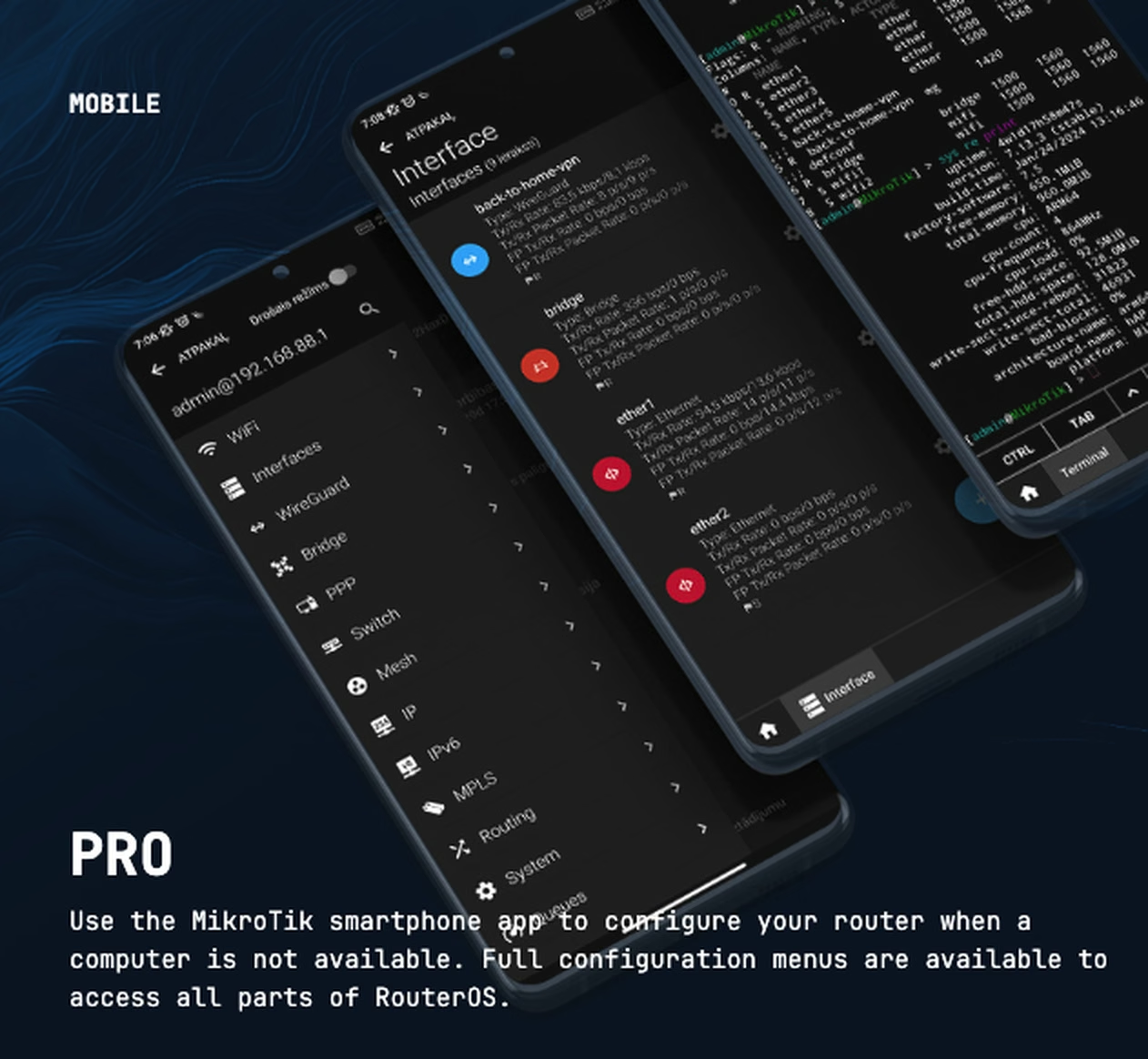
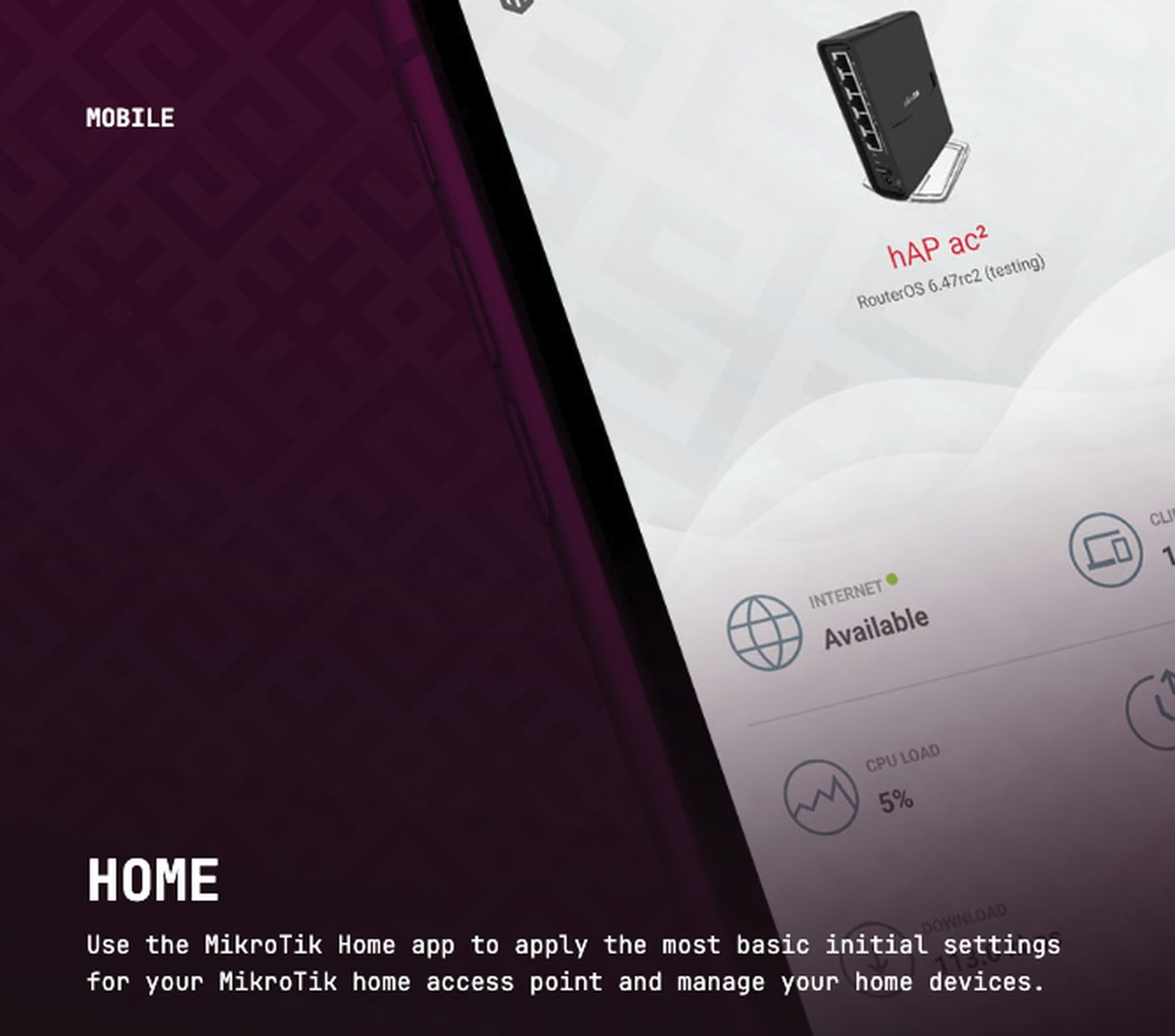
MikroTik is not just “cheap routers.” That thinking is lazy and wrong. MikroTik can sit at the ISP edge, customer edge, core aggregation layer, wireless access layer, hotspot gateway, VPN concentrator, firewall, bandwidth manager and switching layer. But power without design becomes chaos. xGate helps clients use MikroTik properly, not randomly.
MikroTik’s product ecosystem spans routers, switches and wireless systems. RouterOS can provide routing, firewall, bandwidth management, wireless access point, backhaul, hotspot gateway, VPN server and more.
Use MikroTik for BGP, OSPF, static routing, upstream connectivity, customer edge, VLANs and service-provider routing policy.
Design firewall policies that protect the router, customers, management plane and internal services without breaking operations.
Shape traffic, enforce customer packages, manage queues and protect backhaul capacity from uncontrolled congestion.
Deploy MikroTik as a broadband access gateway for PPPoE, DHCP, static customers and Radius-integrated subscriber control.
Use MikroTik hotspot capabilities for guest WiFi, captive portal, voucher and public access networks.
Use CRS and switch products for aggregation, VLAN switching, L2/L3 roles and high-speed infrastructure when designed correctly.
Use MikroTik wireless and 60GHz products for PtP, access, short-range links, backup links and managed WiFi scenarios.
Deploy secure access for branches, administrators, remote teams and site-to-site connectivity.
Integrate MikroTik devices into monitoring, alerting, backups, documentation and NOC workflows.
MikroTik is a networking hardware and software vendor known for routers, switches and wireless systems used by home users, businesses and carrier-grade ISP environments. MikroTik’s official positioning is broad: it offers routers, switches and wireless systems for different network sizes, from small networks to infrastructure serving thousands of users.
The center of the MikroTik ecosystem is RouterOS. MikroTik also sells hardware product families such as Ethernet routers, switches, wireless systems, indoor wireless, LTE/5G, IoT products, 60GHz products, RouterBOARD products, interfaces, antennas and SFP/QSFP accessories.
RouterOS is MikroTik’s Linux-kernel-based network operating system. It powers MikroTik devices and can also be installed on a PC to turn it into a router. RouterOS includes features such as routing, firewalling, bandwidth management, wireless access point functionality, backhaul, hotspot gateway and VPN server capability.
For ISPs, RouterOS matters because it can play multiple roles: border router, customer edge, PPPoE concentrator, DHCP server, Radius client, firewall, queue manager, hotspot gateway, VPN headend, wireless controller and monitoring endpoint. That flexibility is the reason MikroTik is so widely used — and also the reason many networks become messy when there is no design discipline.
MikroTik’s official product categories include Ethernet routers, switches and wireless systems, along with indoor wireless, LTE/5G, IoT, 60GHz products, RouterBOARD, enclosures, interfaces, accessories, antennas and SFP/QSFP modules. The portfolio covers small offices, branch networks, WISPs, ISP edge routing, switching, high-speed aggregation and wireless access scenarios.
Some MikroTik devices are best used as routers. Some are best used as switches. Some can do both, but that does not mean they should do both in every design. Choosing between CCR, CRS, hAP, cAP, wAP, LHG, SXT, 60GHz, LTE/5G or SFP/QSFP products requires understanding the topology, traffic, routing load, switching requirements and operational risk.
In ISP environments, MikroTik is commonly used for PPPoE, DHCP, Radius integration, bandwidth queues, NAT, firewalling, BGP, OSPF, VLAN aggregation, hotspot, wireless backhaul and customer edge deployments. It is especially strong when the operator needs flexibility, cost control and fast deployment.
But a MikroTik-heavy ISP must avoid common mistakes: flat networks, overloaded routers, poor firewall rules, no management-plane protection, weak backups, uncontrolled queues, no monitoring, bad VLAN discipline, unmanaged PPPoE scaling, and using the wrong hardware for the job.
xGate’s value is not simply reselling MikroTik devices. The value is helping clients select, design, configure, deploy, secure, monitor and operate MikroTik correctly. We are MikroTik trainers and ISP network engineers, so we understand both the certification side and the brutal operational reality of live networks.
xGate can support MikroTik network design, BGP/OSPF routing, firewall policy, PPPoE/DHCP access, Radius integration with WISPGate, hotspot deployments with HotGate, wireless and link planning, configuration audit, troubleshooting, monitoring design, disaster recovery and staff training.
MikroTik is one of the best tools in the networking world when used by people who know what they are doing. It is also one of the easiest tools to misuse because it gives too much freedom to people without architecture discipline.
The correct positioning is simple: MikroTik gives the power; xGate gives the design, deployment, operational discipline and training needed to use that power safely.
MikroTik is strongest when flexibility, routing features, cost control and field-proven deployment matter.
BGP, OSPF, routing policy, customer access, firewalling and traffic control.
Wireless access, backhaul, PPPoE, Radius, queues and hotspot deployments.
Routing, VLANs, VPNs, firewalling, branch connectivity and network segmentation.
Hands-on routing, wireless, firewall and ISP operations training environments.
Tell xGate your topology, subscriber count, upstreams, routing needs, wireless plan and operational pain. We will help you choose and deploy MikroTik properly.
Request MikroTik Consultation